
A Visual Guide to the Home Watcher App
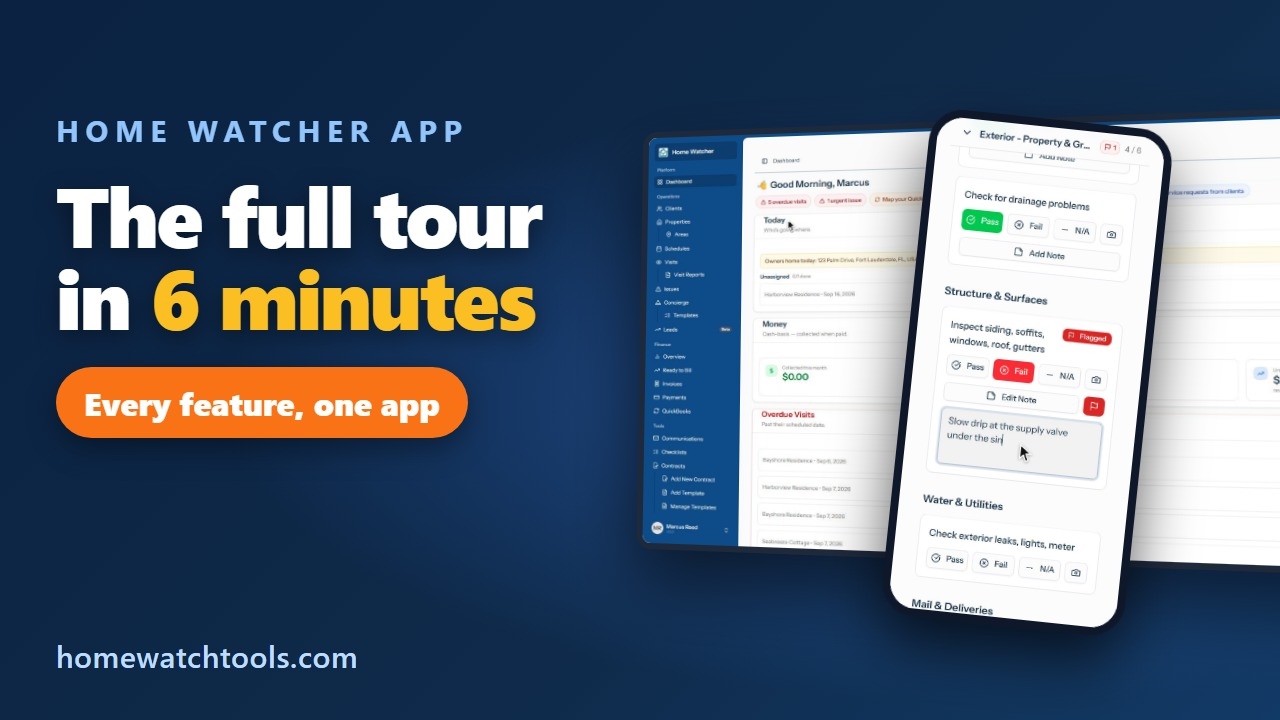
This video is a complete tour of the Home Watcher App, the all-in-one home watch software from homewatchtools.com. In six minutes it covers how to onboard a client, schedule recurring visits, complete an inspection in the field, and send a professional report before you leave the driveway.
Your Dashboard
The dashboard shows today's visits, what is coming up this week, recent reports, and any open issues that need attention. Everything you do in the app rolls up here, so nothing falls through the cracks.
Clients and Properties
It starts with your clients. Adding a new client takes about a minute: enter their name and contact details and they are in the system. Next, add the property. This is where the important details live: gate codes, alarm instructions, where the water shutoff is, and which vendors to call. Every team member who visits the home sees the same information, so the knowledge is not stuck in one person's head. This is the core of our client and property management software.
Scheduling and Areas
Put the property on a schedule. Pick a frequency such as weekly, every two weeks, or monthly, choose a start date, and assign a team member. The app generates the visits automatically and drops them on your calendar. Group properties into areas, and the app can order each day's visits so you spend less time driving between homes.
The Visit Checklist on Your Phone
In the field, open today's visit and work through the checklist room by room, tapping pass or flag on each item. When you spot a problem, snap a photo right from the checklist. The photo attaches to that exact item along with your note. Check-in and check-out are stamped with time and location, so your client has proof you were there. When you are done, complete the visit and the report is ready. This is what makes the app a true property inspection software, not just a checklist.
Branded Reports and Client Notifications
Every visit produces a branded PDF property visit report with your logo, every checklist item, your notes, and your photos. Send it to the client with one tap. The email goes out from the app and you can see when it was delivered. Clients can also get automatic notifications when a visit starts and when the report is ready, so they never have to wonder.
Walkthrough Checklists
The walkthrough checklist is built for arrivals and departures. Use it when a client is coming into town or heading out to document the condition of the home at that moment. It runs the same way as a regular visit, with photos attached to each item, and it produces the same clean report.
Contracts with Electronic Signature
Contracts are built in. Start from a template, fill in the client and the property, and send it for electronic signature. The client signs from their phone. The signed contract is stored with their record, and you can track who has signed and who still needs a reminder.
Invoicing and Online Payments
Completed visits show up as ready to bill. Turn them into an invoice in a few clicks and send it. Clients pay online by card or bank transfer, and you can choose to pass the processing fee through to the client instead of absorbing it yourself. Payments post automatically, and everything can sync to QuickBooks.
One Flat Price
That is the Home Watcher App: clients, properties, scheduling, inspections, reports, contracts, and billing in one place. Every feature is included for one flat price. Get started today at homewatchtools.com.
Written by
Mike
Mike is the founder of HomeWatchTools.com, dedicated to building simple, powerful software for the home watch industry.